The short answer
- Use closed-back headphones for recording, so your backing track stays out of the mic.
- Use open-back headphones for mixing, if your room is quiet enough to let them work.
- Keep the volume sensible on closed-backs; loud and sealed is a recipe for tired ears.
- Skip semi-open and noise-cancelling pairs if you're buying specifically to record or mix.
Two headphone designs, two very different rooms in your head
Put on a pair of closed-back headphones and the room goes quiet. Put on open-backs and the room stays with you: the kettle, the traffic, your own guitar coming through the air. That difference is the heart of this whole choice. One design shuts the world out and keeps your headphone mix to yourself, which is exactly what a microphone needs. The other lets sound breathe in and out, which changes how a mix feels in your head and how long you can comfortably listen.
So the useful question is which job you're doing right now: tracking (recording a part) or mixing (balancing all the parts afterwards).
Tracking: keep your headphone mix out of the mic
When you record, the microphone hears everything near it, including your headphones. That leak has a name: bleed, the unwanted sound a mic picks up from a secondary source, usually headphone audio sneaking into the recording. A good condenser mic makes this worse in the most flattering way possible: it's so sensitive that it listens in on your headphones as well as your voice. The result is a faint, tinny ghost of the click and backing track sitting under your vocal take.
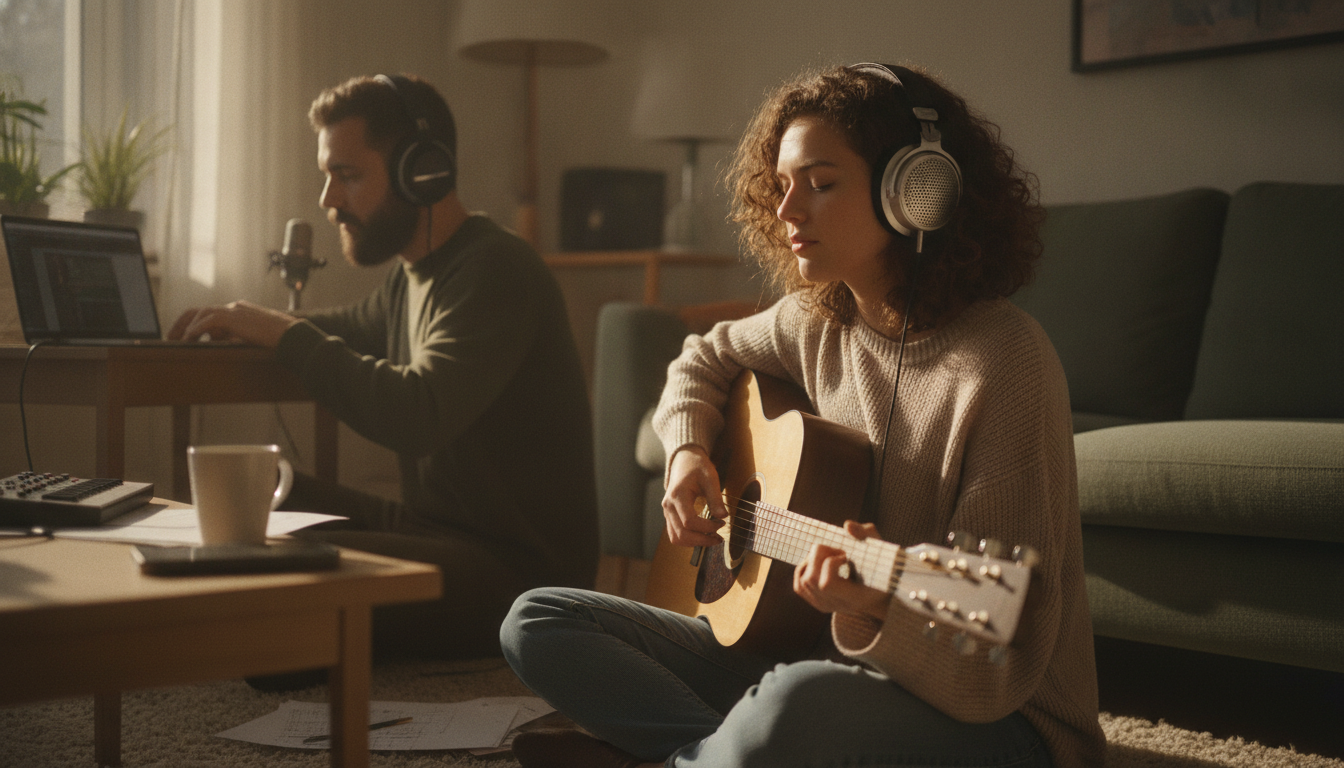
This is where closed-back headphones earn their keep. Their sealed cups keep the backing track from bleeding into the microphone, which is why they're the standard choice for tracking vocals and instruments in recording studios. They also isolate better than open-back styles, typically cutting surrounding noise by more than 10dB, so you hear your mix rather than the street outside. Put simply, you can listen to yourself while you record without much danger of the mic picking up something you didn't want.
Open-back headphones do the opposite by design. Sound escapes through the back of the cups and can spill straight into the microphone, which makes them unsuitable for singers and instrumentalists who need clean takes. Semi-open headphones sit in between: they still leak sound and let noise in, just less than fully open ones. And if you track with in-ear monitors instead, fit and cleaning matter: in-ears can cause ear damage and infection if they aren't fitted properly or cleaned regularly.
Keeping bleed down while you track
- Wear closed-back headphones for any take with a mic open nearby.
- Turn the headphone volume down as far as you can while still performing comfortably; less volume means less to leak.
- Move the mic farther from your headphones, or angle it away from them.
- Recording with one ear off? Pan the click to the side you're wearing, so the loose cup isn't blaring it into the room.
Mixing: why an open soundstage helps
Once the parts are recorded, nothing is listening to your headphones except you, and that's when open-backs come into their own. They let air pass through the ear cups from the rear of the driver (the little speaker inside each cup). That helps them sound more natural and clear, though it also makes it much harder for them to emphasise bass. Closed-backs lean the other way: with a sealed pocket of air behind the driver, the low end can sound a little bumped up and less natural. For mixing, that matters, because the bass you hear is the bass you'll be making decisions about.
Comfort counts too, because mixing sessions run long. The vented design of open-backs reduces ear pressure and heat build-up, while sealed closed-back cups trap heat and pressure, which can leave your ears warm and listening tiring over a long stretch. Closed-back headphones can also cause ear fatigue and distortion, especially at high volumes, so a long, loud mix is exactly where their downsides pile up. A three-minute vocal take is a much shorter ask.
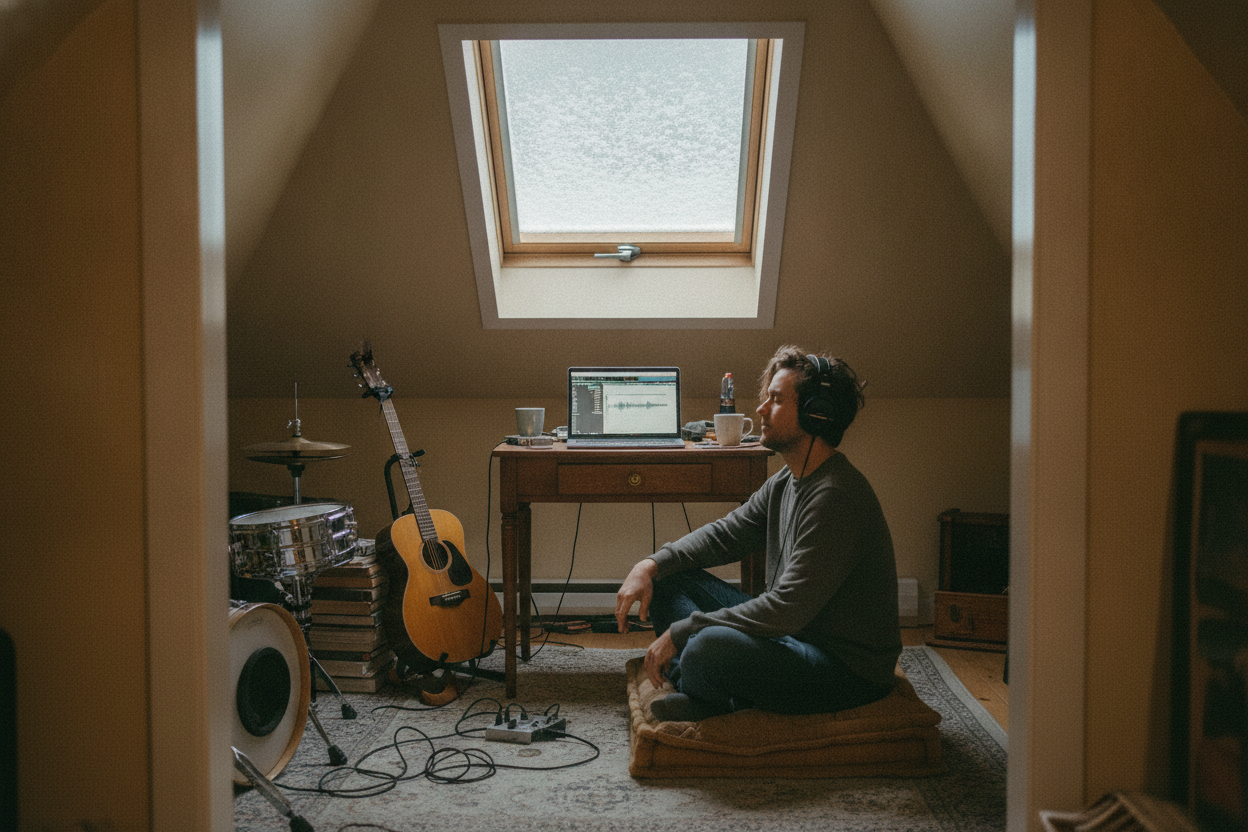
Open-backs have real limits, though. They block outside noise poorly, so you'll hear everything going on around you, and advice gathered on LinkedIn about headphone bleed says they need a quiet, acoustically treated room (one with something to soak up echoes and outside noise) for monitoring. If you share a flat with a drummer or live above a bus stop, that's a genuine cost. They also tend to be more fragile, since there's less standing in the way of moisture and debris reaching the parts inside. And open doesn't automatically mean accurate: SoundGuys points out that while open-backs can be more accurate in some respects, not every pair has the neutral response that suits mixing.
As a general rule, open-back headphones suit mixing and closed-back ones suit tracking and recording. If you're buying specifically to record or mix, you're probably better off with one of those two than with a semi-open compromise. Your headphones are only half of what you hear, mind you; the file you're playing through them matters too, which is what the guide to lossless vs lossy audio is all about.
Picks for each design, from under $100 upwards
On the closed-back side, Warm Audio's HeadRoom is a studio pair built around 45mm neodymium drivers, and the company says the closed-back design helps keep headphone bleed out of mics while tracking. Spend more and the gap between the designs narrows: Mastrng's view is that at higher price ranges, many closed-back headphones sound as good as, or better than, open or semi-open ones. For open-backs, SoundGuys says you can get great ones for only a few hundred dollars, and its picks climb from there.
| Headphones | Where it fits | Price as listed |
|---|---|---|
| AKG K240 | Tight budget, suggested by Mastrng | Under $100 |
| Beyerdynamic DT 900 PRO X | Open-back for a few hundred dollars | $269 at Amazon |
| HiFiMan Sundara | SoundGuys' mid-range pick | $299 at Amazon |
| Sennheiser HD 800 S | SoundGuys' big-budget pick | $1499 at Amazon |
Prices like these move around, so treat them as a guide to the tier rather than a quote. Before you buy, check the impedance on the spec sheet, which roughly tells you how hard the headphones are to drive: high-impedance studio headphones need a headphone amp to power them properly, and that's an extra box and an extra cost on your desk. On the plus side, studio headphone makers tend to keep proven models in production rather than replacing them every year, so the pair you read about is likely to be the one still on the shelf.
One pair or two?
If you can only have one pair and you record with a mic in the room, closed-back is the safer buy, because no amount of mixing skill will stop an open-back leaking into a vocal mic. Mix on them at a moderate volume, give your ears breaks from the sealed cups, and keep in mind that the bass may sound a touch bigger than it really is.
If you already own a closed-back pair and your room is reasonably quiet, an open-back pair is the sensible second purchase: closed for the takes, open for the long evenings of nudging faders. Have a go with whatever you've got first, though. Knowing what your current pair exaggerates is half the battle.
Your headphones are half the story. Next up: the files you play through them. Read: Lossless vs lossy audio: what's the difference, and can you hear it?
Sources
- Are Open or Closed Headphones Better for Mixing? – musicproductionnerds.com
- Bleed | Deepdub – deepdub.ai
- Closed-back vs Open-back headphones for music creators – Remasterify – blog.remasterify.com
- Semi Open vs Open Headphones vs Closed Back for Mixing – mastrng.com
- Open back vs Closed back headphones: Which is best? – SoundGuys – soundguys.com
- Best Headphones for Studio Recording Scenarios – linkedin.com
- Warm Audio HeadRoom Closed-Back Professional Studio Headphones – warmaudio.com