The short answer
- Keep a lossless master (WAV or FLAC) of every song, because a lossy copy can never be turned back into the original.
- At 256 kbps AAC or 320 kbps MP3, most listeners can't tell your song from lossless in blind tests.
- Low bitrates are another matter: dull treble and smeared details are easy to hear.
- Compare files at matched levels and a sensible volume, or your ears will mislead you.
- Plenty of fans hear your song over Bluetooth, which is lossy anyway.
The choice hiding in your export menu
You've finished a mix, you hit export, and the software wants a decision: WAV, FLAC, MP3 or AAC, plus a bitrate number that looks like a mobile phone tariff. Those options fall into two families. Lossless files keep every bit of the recording. Lossy files throw some of it away to make a smaller file, and most of the arguing online is about whether anyone can actually hear what went missing.
For hobby musicians, the answer is pleasantly practical. Keep one lossless copy of your song for yourself, share a good-quality version with everyone else, and put the hours you'd have spent agonising into the mix instead. There are a few exceptions, and one of them is slightly mad: turning your speakers right up can make you hear less bass, not more.
What lossy formats actually throw away
Lossless compression keeps all of the original information in a recording, while lossy formats such as MP3 and AAC discard data to save file size. The clever bit is how they pick what goes. Lossy encoders use psychoacoustic models, which is a fancy name for a map of how human hearing works, to drop sounds your ears typically can't detect. Their biggest trick is masking: a loud sound makes nearby frequencies, and nearby moments in time, temporarily inaudible. A soft detail sitting right beside a big drum hit gets fewer bits, because you were never going to notice it anyway.
Inside the lossless family, FLAC gives you the same quality as WAV in files roughly 40–60% smaller, which makes it a handy way to archive a pile of songs without filling a hard drive. Going backwards is the move that doesn't work. Converting an MP3 to a lossless format doesn't restore the data that was thrown away; you end up with a big file that sounds exactly like the small one. So the order matters: export a lossless master first, then make your MP3 or AAC copies from it.
You'll also bump into "hi-res". CD quality is 16-bit/44.1 kHz, and hi-res goes beyond that, typically 24-bit/96 kHz or 24-bit/192 kHz. One audio-testing site argues that when a hi-res release sounds better than the CD version, the reason is usually a different master, with more dynamic range and less limiting, rather than the higher sample rate. For your song, that's a nudge to care more about how it's mixed and mastered than about the number on the file.
Can you hear it? Usually not, sometimes very much yes
Blind tests, where the listener doesn't know which file is playing, paint a fairly clear picture, and the bitrate decides almost everything.
| Format | What happens to the sound | Can people hear it? |
|---|---|---|
| 64 kbps MP3 | Aggressive treble cut starting just below 11 kHz | Yes: it sounds dull and muffled |
| 96–128 kbps MP3 | Lots of data removed | Most people pick it out fairly reliably |
| 256 kbps AAC or 320 kbps MP3 | Mostly masked detail removed | Most listeners, trained engineers included, score no better than guessing |
| WAV or FLAC | Nothing removed | The reference everything else is compared with |
A few people do beat chance against high-bitrate files, but only by a thin margin: about 60–70% correct, where 50% is pure guessing. That's a coin toss with a slight lean.
Where lossy files really stumble is on certain sounds. Harpsichord, glockenspiel, applause, castanets and dense noisy passages are notoriously hard for encoders. Lower-quality MP3s can also produce pre-echo, a faint ghost of a loud hit that arrives just before the hit itself. If your song is a glockenspiel solo over a wall of fuzz guitar, congratulations: you've written exactly the kind of music encoders dread. Check your shared copy on those parts in particular.
Testing your own ears fairly
Start by matching the levels. A proper ABX test (you hear version A, version B, then a mystery X and guess which one it is) lines the two files up to within a fraction of a decibel, because people reliably prefer whichever version is slightly louder. If your MP3 export comes out a touch quieter than your WAV, your brain will cheerfully decide the WAV sounds better for reasons that have nothing to do with compression.
Then keep the volume sensible. Cranking it up feels like it should reveal more detail, but very loud listening can trigger the acoustic reflex, a physical change in the ear that mainly turns low frequencies down by about 15 dB. Past that point you're hearing less of the bass that's actually in the file, which wrecks the comparison. And if you have a go with online high-frequency test tones to see how high your hearing reaches, start them at low volume, because high frequencies can be harsh when they're loud.
If you'd rather have numbers than opinions, try a null test: subtract one file from the other so only the difference is left. In one published null test, a 320 kbps MP3 subtracted from its WAV original left a very low residual, with a true peak of -47.76 dBFS and an RMS of -64.29 dBFS. In plain terms, the part that went missing was very quiet indeed.
How your song reaches your fans' ears
You can upload the most pristine file in the world, and a friend on wireless earbuds still hears a lossy version. Bluetooth applies its own lossy compression before the music reaches the headphones. The iPhone uses only the AAC codec over Bluetooth, and most AirPods and Beats wireless headphones use Apple's AAC Bluetooth codec too. Apple's AirPlay 2, which runs over Wi-Fi, doesn't support lossless audio either.
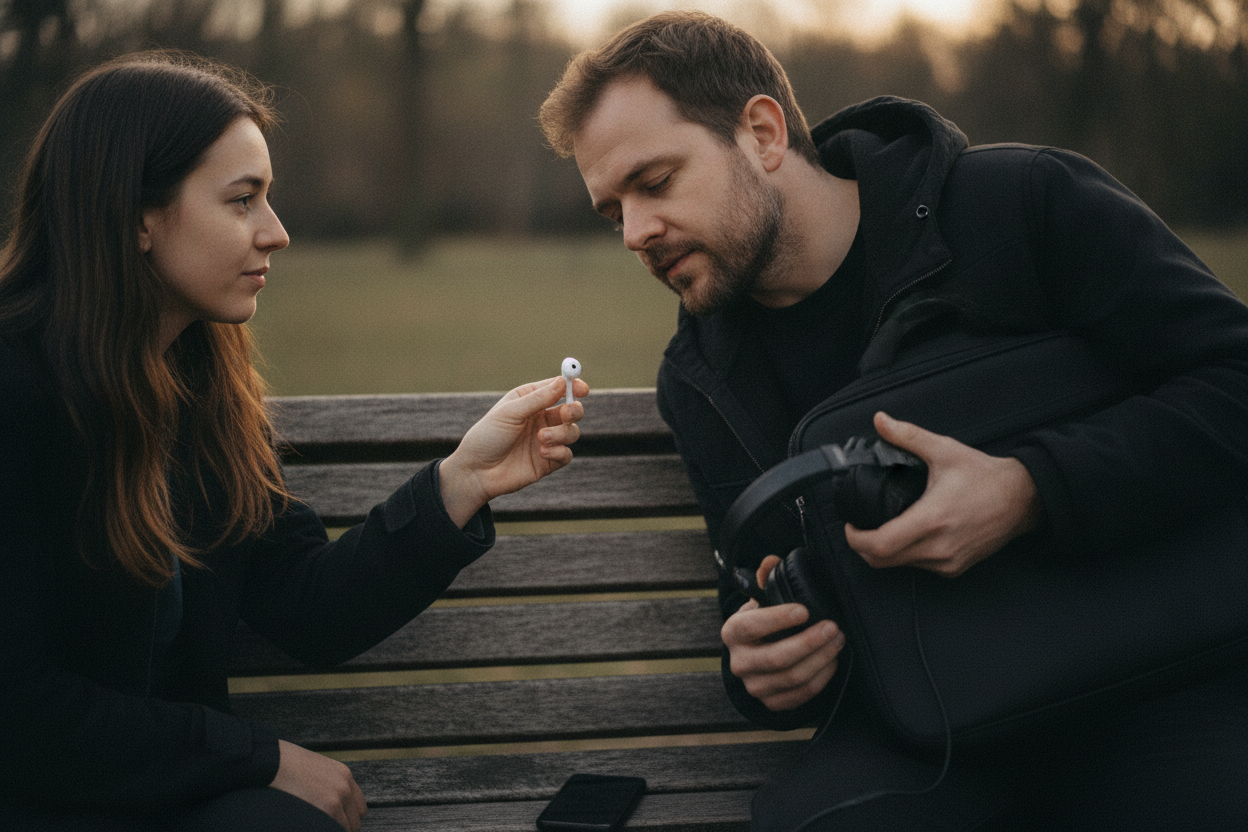
Lossless listening is easy enough to get hold of. Apple Music streams lossless audio using the Apple Lossless Audio Codec (ALAC) at no extra cost to subscribers, but it has to be switched on by hand in the settings, so plenty of people never turn it on. Listeners on the go pay for it in other ways: lossless streaming uses significantly more data and storage. CD-quality lossless at 1411 kbps works out at roughly 10.5 MB a minute, about 630 MB an hour. Listeners chasing hi-res sometimes add extra kit, such as the iFi Go Link, which How-To Geek describes as an entry-level DAC (digital-to-analog converter) at $59.
For you as the musician, this cuts both ways. Fretting over the last few kilobits is wasted effort for a big chunk of your audience. But your song also gets squeezed a second time on its way to many ears, so starting from a decent bitrate, rather than the smallest file your software can make, means the copy going into that second squeeze is a good one.
The next time you hit export
Save the master as WAV or FLAC and keep it somewhere safe, with a name you'll still recognise in five years ("song_final_FINAL_v3" doesn't count). Make every shared copy from that master. If a platform or an email limit forces a smaller file, AAC is said to be about 20–30% more efficient than MP3, so 256 kbps AAC lands roughly where 320 kbps MP3 does. And when someone asks for a better version later, go back to the master rather than converting the MP3 you already sent.
After that, spend your energy on what every listener hears on every pair of earbuds: the playing, the mix and the master. A wobbly chorus sounds wobbly at any bitrate.
Sources
- Lossless Audio Sounds Better, but You’re Not Getting the Full Experience – howtogeek.com
- Lossless vs Lossy Audio: Can You Hear the Difference? | Reformatly – reformatly.com
- Can You Tell the Difference Between Lossy and Lossless? — Whats My Bitrate? – whatsmybitrate.com
- Lossless Music Streaming in 2026: Is Hi-Res Audio Actually Worth It? | FreeYourMusic – freeyourmusic.com
- SLDP | Lossy vs Lossless Audio: The Showdown! – sldp.com
- About lossless audio in Apple Music – Apple Support (LK) – support.apple.com
- Play lossless audio in Music on Mac – Apple Support (HK) – support.apple.com
- Apple Music Lossless: Everything You Need to Know – MacRumors – macrumors.com