Opens in a new tab

For musicians with something to share

Upload your music. Share it with one link.

Give your song its own page, then send it to friends, family or fans. They open the link and press play — no app, download or listener account needed.

Free to start. Your music stays yours — Musical Links claims no ownership of your songs.

Then you send it

Paste it anywhere. It arrives looking like a song.

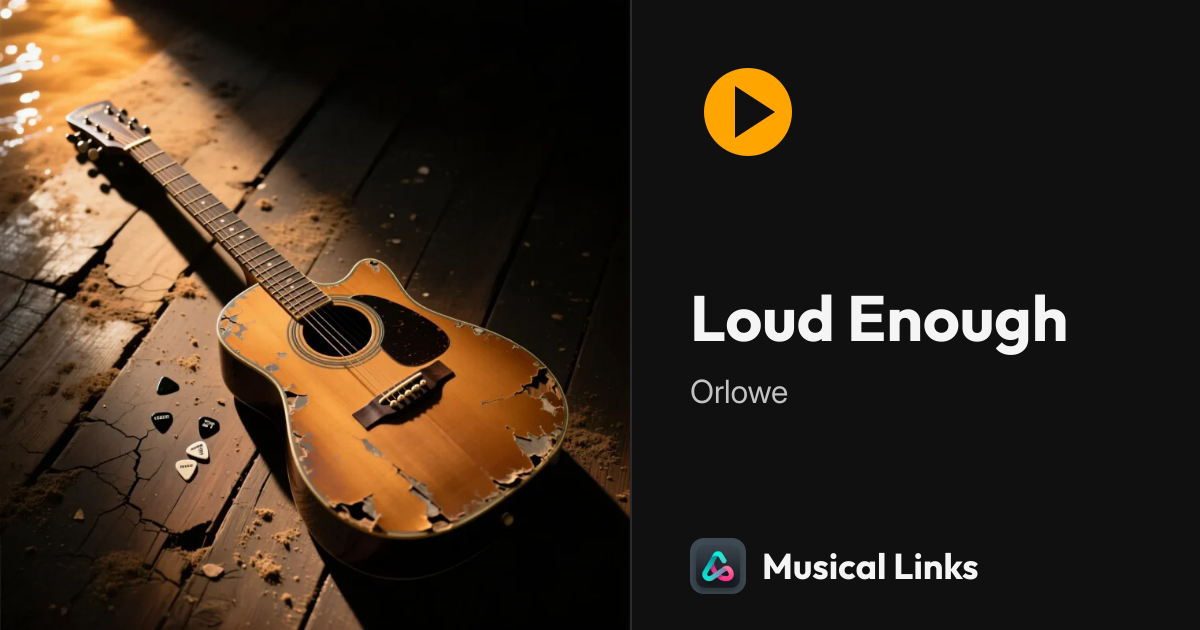
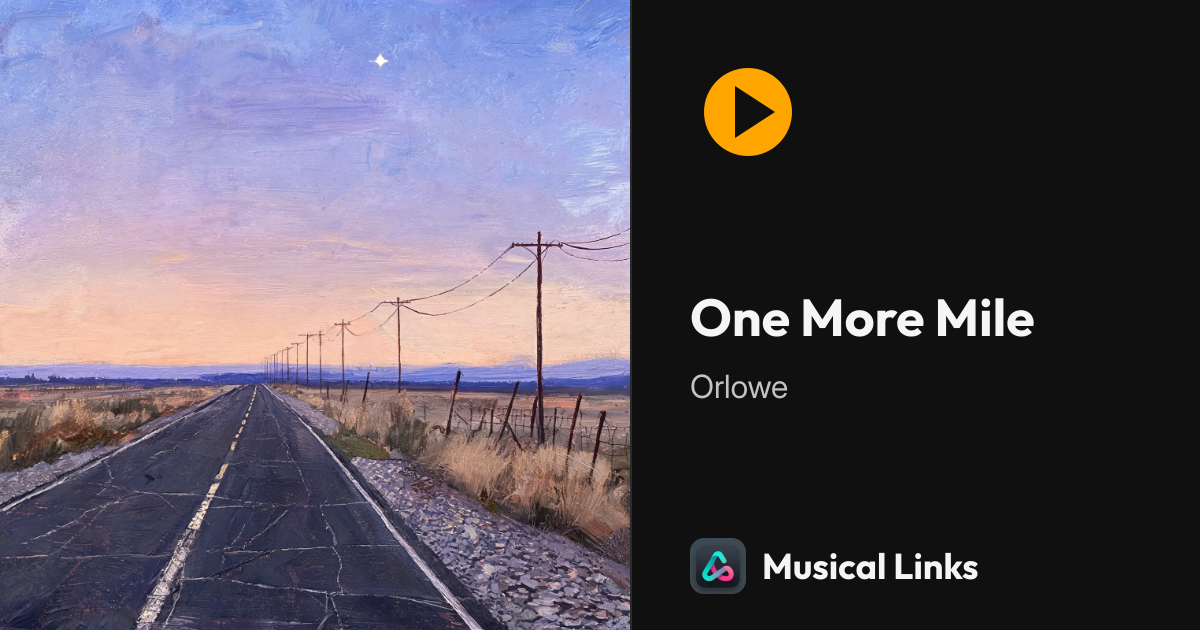
In most chat apps your link unfurls into a card with your cover, your title and your name — not a bare address, not a file to download.

Jonah

did you get it finished?

here's the new one

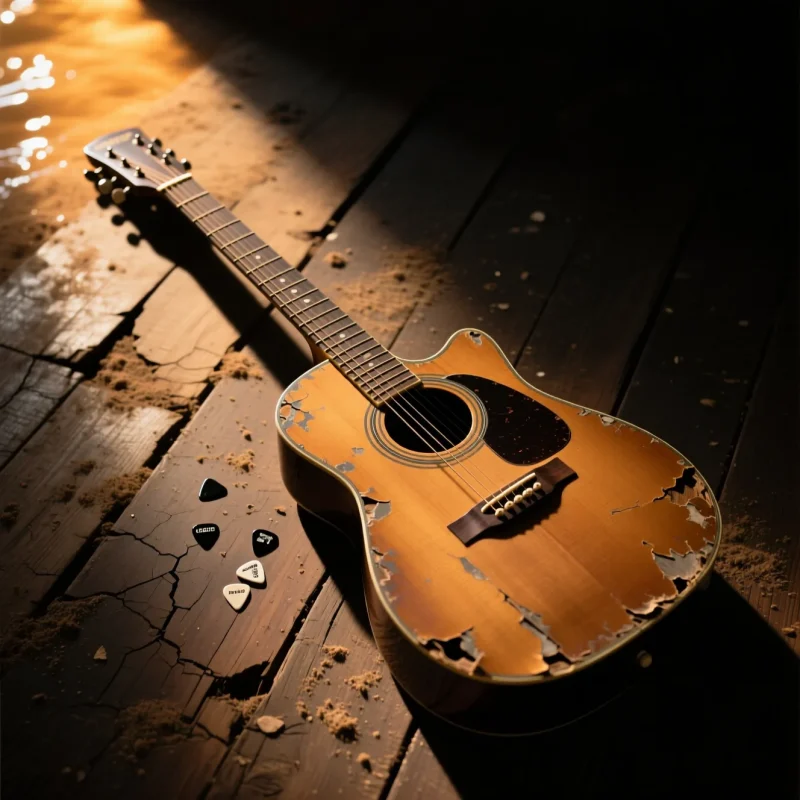
Loud Enough by Orlowe

played it straight from the link, no app

send the other one too

One More Mile by Orlowe

In your studio

Three tools, for when you want them.

Uploading and sharing is the whole job. These help when a song needs a little more — and every one of them is optional.

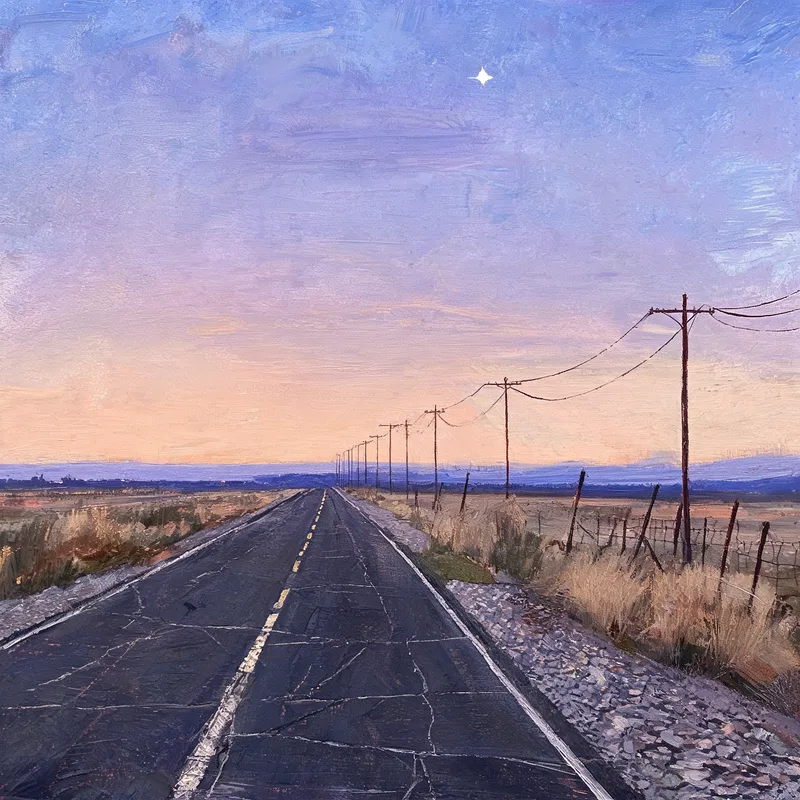
The cover of One More Mile by Orlowe, painted by the studio's AI cover tool
One More Mile's cover, made with this tool.

Make a cover with AI

Pick a style — Painted, Film photo, Screen print or Paper collage — and the studio paints a cover from your song's words. Put your name on it, download it, use it or throw it away.

Three pictures a day. Your song's words go to outside AI services to make it, never your audio. What goes where
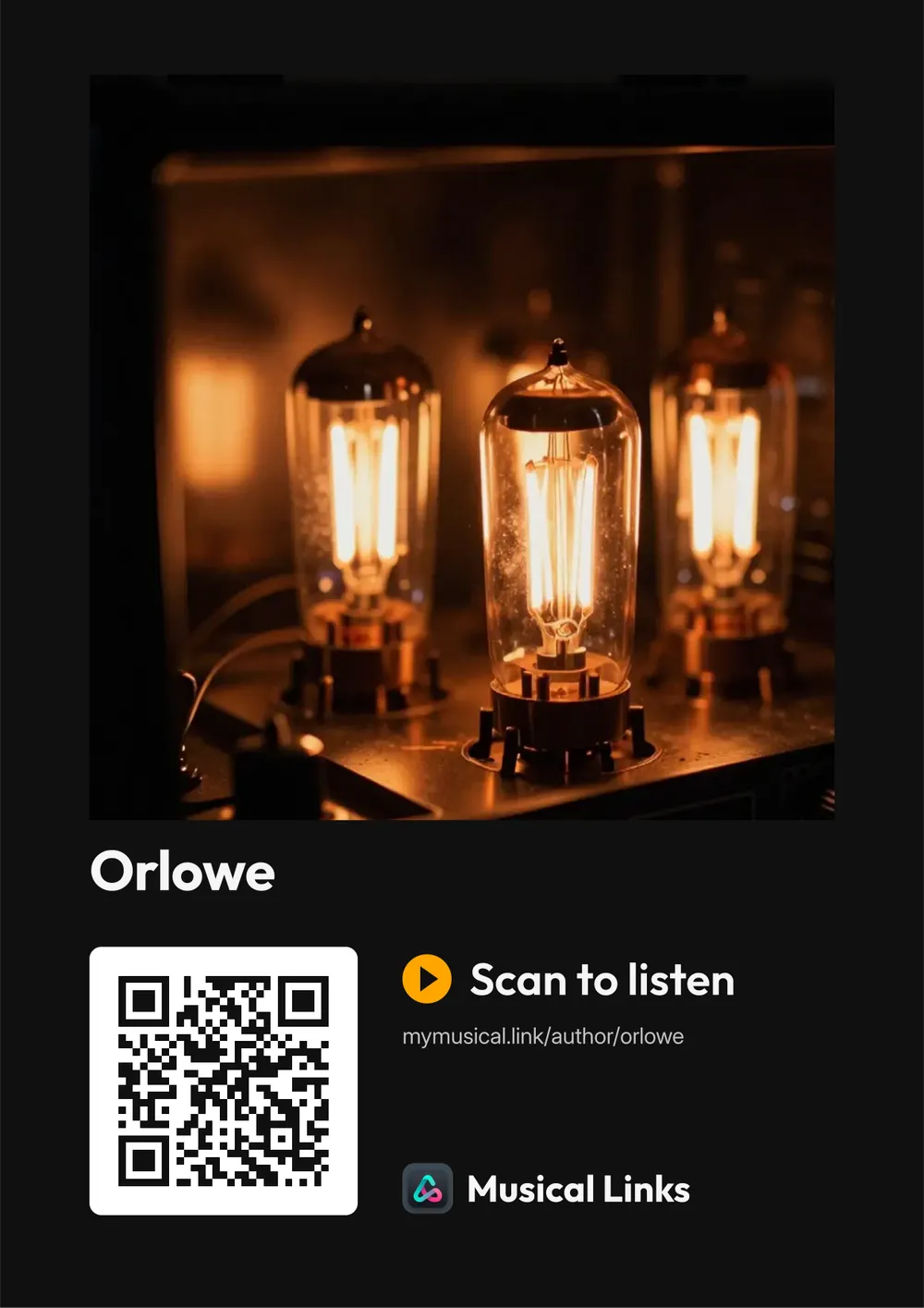
A dark A4 poster for Orlowe: their picture, their name, "Scan to listen" and a QR code that opens their page
Orlowe's poster, drawn by the studio. The code really works.

Print a poster with a QR code

Four designs, A4 or US Letter, dark or light. Anyone who scans it lands on your page and presses play — at a gig, in a shop window, on a notice board.

Ready as soon as one of your songs is public.

You hear it beside your original before anything changes.

Polish this track

Takes out rumble and hiss and brings the track up to release loudness, so it sits next to everything else. It will not fix a muddy mix or a flat take.

Three a day. Your own recording is kept, and you can go back to it.

Before you share it with everyone

Ask a friend what they really think.

Send one person a private link. They listen, pin notes to the exact moments they mean, and send their thoughts to you alone.

Account, upload, link. Three things, once.

A narrow door standing open in a dark room, warm light falling through it onto the floor.

Make your account

Your email or Google, and your artist name. Signing up publishes nothing.

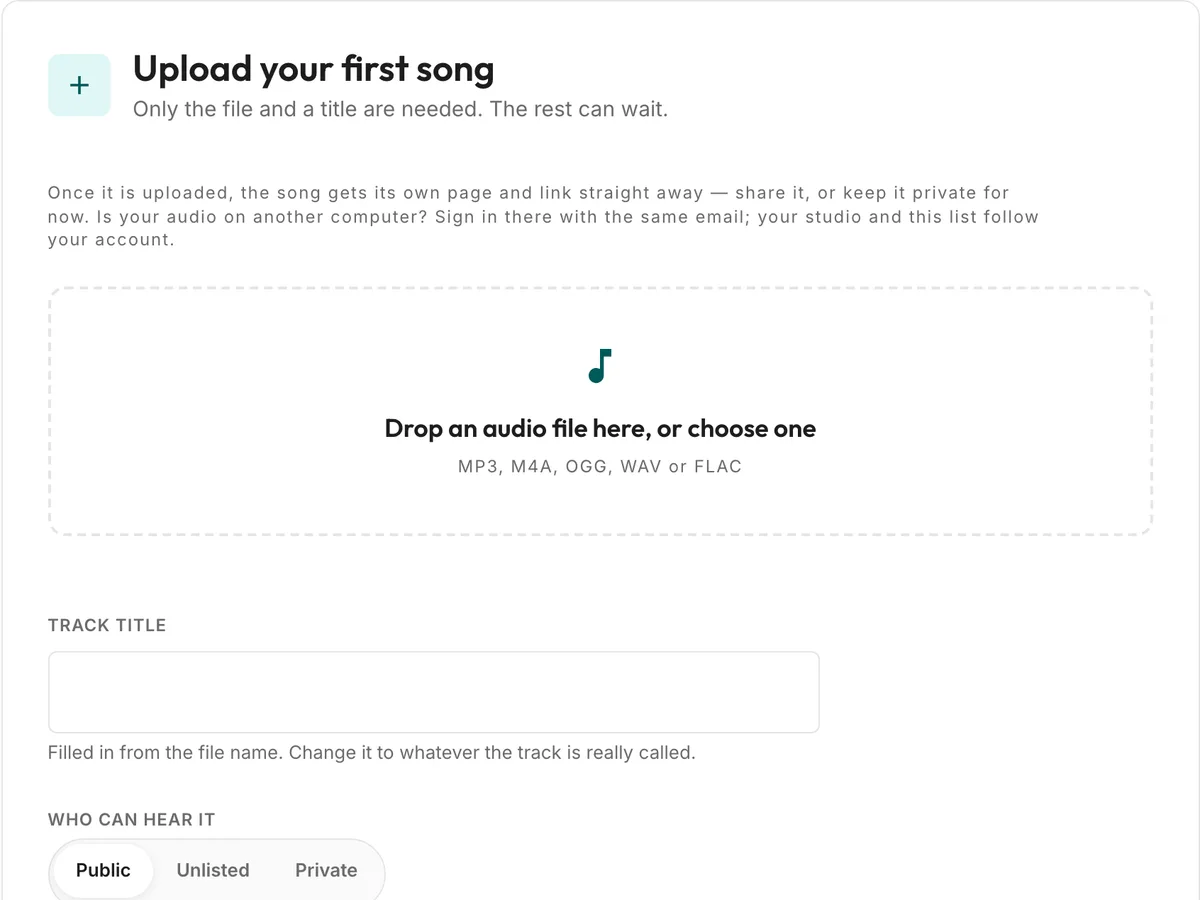
The studio’s upload panel: “Upload your first song”, a note that only the file and a title are needed, a box to drop an audio file in, and the title field.

Upload your song

The file and a title are all that is required. Cover, words, chords and credits can come later — and every song gets a cover if you bring none.

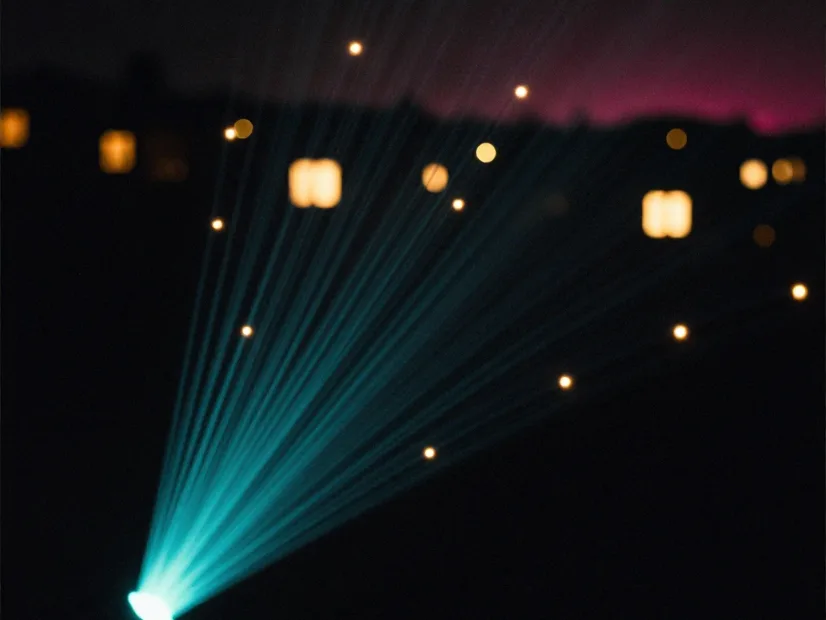
A single beam of teal light fanning out across a dark valley towards many separate lit windows.

Send its link

Public, unlisted or private is your switch. Copy the link and paste it anywhere; your listener just presses play.

Before you upload

Your music. Your rights.

Three things worth knowing before you hand us a song, in plain words.

It stays yours

Uploading changes nothing about who owns a song. Whatever rights you and the people you made it with held before, you hold after. Musical Links claims no ownership of your music and no share of anything you earn from it.

You decide who hears it

Every song is public, unlisted or private, and you can change that whenever you like. An unlisted link plays for anyone who holds it — send it to the people you mean, and reset it when you are done. Private plays for you alone.

The permission we need

Only what it takes to run the service: to store your file, to make the copies a browser can stream, and to show the song to the people you chose. That is the whole of it, and it ends when you delete the song or your account.

Seven quick answers.

Is it free?

Yes, for everything the site does today — uploading, playlists, the visibility switch, share links, the embeddable player, the share cards, and taking it all back out again. The studio tools too: AI covers, posters and Polish, a few uses a day each. Listening is free for everyone.

Paid tools for musicians are planned. What that means is written down before anything changes.

Do listeners need an account?

No. They open the link and press play. You need one, because the tracks have to belong to somebody.

Does it work on Instagram?

Yes, with one wrinkle worth knowing before you post: Instagram does not make links in captions clickable. Put yours in your bio, or on a story as a link sticker, and it opens and plays like anywhere else. Everywhere that does make links clickable — Messenger, WhatsApp, Discord, email, a text message — it unfurls into the card above.

Do I keep my rights?

Yes. Uploading changes nothing about who owns your song: whatever rights you and your collaborators held before, you hold after, and Musical Links claims none of them. We get only the permission to store, stream and show the song to the people you chose, and that ends when you delete it. One click takes all of it back out.

Nothing you upload is used to train a machine-learning model. That one is in the terms, because a promise you cannot hold us to is not a promise.

Can people download or copy my songs?

Anyone who can play a song can also save or record it — that is true of every site that plays music, and we will not pretend otherwise. There is no download button on a song page and the audio is served by the site rather than as a plain file, but the protection that works is choosing who can reach it: keep a song private, or unlisted and sent only to the people you trust.

What do the AI tools see?

Nothing, unless you ask. Polish runs on our own server, and your audio never leaves it. Making a cover with AI sends your song’s words — title, genres, About text, lyrics and your hint, never the audio — to Anthropic, which writes a short description of a picture; that description, not your lyrics, then goes to Kie.ai, which paints it. Anthropic says it does not train on this by default. Kie.ai’s terms do not say either way, which is why it is never given your lyrics or your audio. The privacy page has the details.

Can I share something unreleased?

Yes. Unlisted keeps a track off your page, off Browse and out of search, and its link carries a secret so the address cannot be guessed. Anyone holding it can listen, so send it to the people you mean — and reset the link when you are done. Unlisted or private?

Back to the top of the page

  • Your music stays yours
  • No account needed to listen
  • No ads interrupting playback